

Data export and cancelling
Your menu, your customer list, your orders and your domain are yours. You can download everything at any time, whether you’re staying or going, and cancelling takes one click with no phone call.
Download your data: the export pack
Section titled “Download your data: the export pack”The export pack is on the cancel page, but you don’t have to cancel to use it. Go to Settings → Plan and billing, scroll to Your data, your way out and click Export pack.
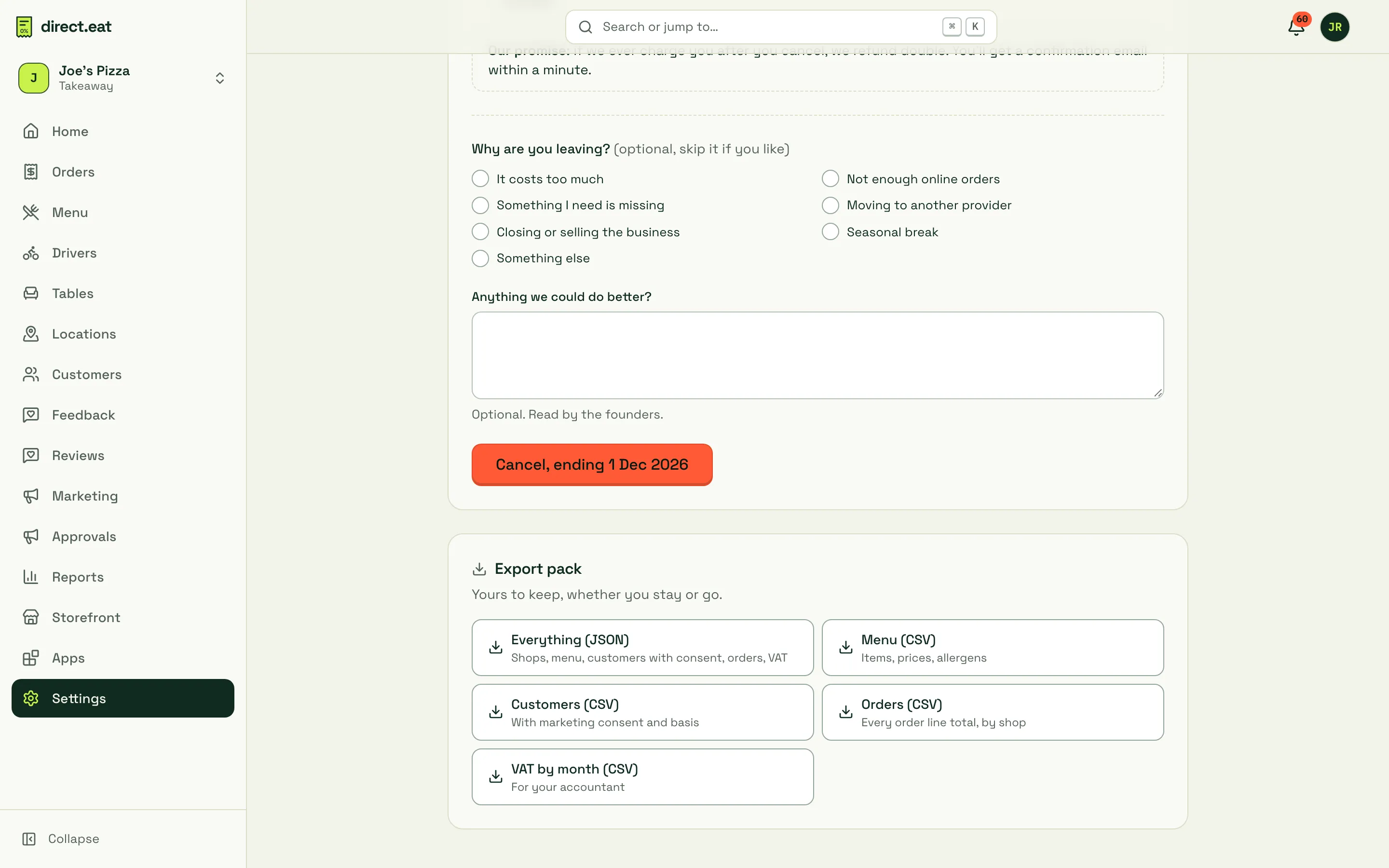
| Download | What’s in it |
|---|---|
| Everything (JSON) | Shops, menu, customers with consent, orders, VAT, in one file |
| Menu (CSV) | Every item with shop, description, price, VAT category, allergen status, allergens (and “may contain”), kcal and whether it’s hidden |
| Customers (CSV) | Name, email, phone, number of orders, total spend, first and last order, and their marketing consent and the basis for it, per channel |
| Orders (CSV) | Every order with its totals, by shop. Diner contact details aren’t included |
| VAT by month (CSV) | VAT totals by month and rate, for your accountant |
- Owners and admins can download the export pack.
- CSV files open straight in Excel. Values that start with
=,+,-or@are made safe so a spreadsheet can’t run them as formulas. - Customers who asked to be erased aren’t included.
Other exports
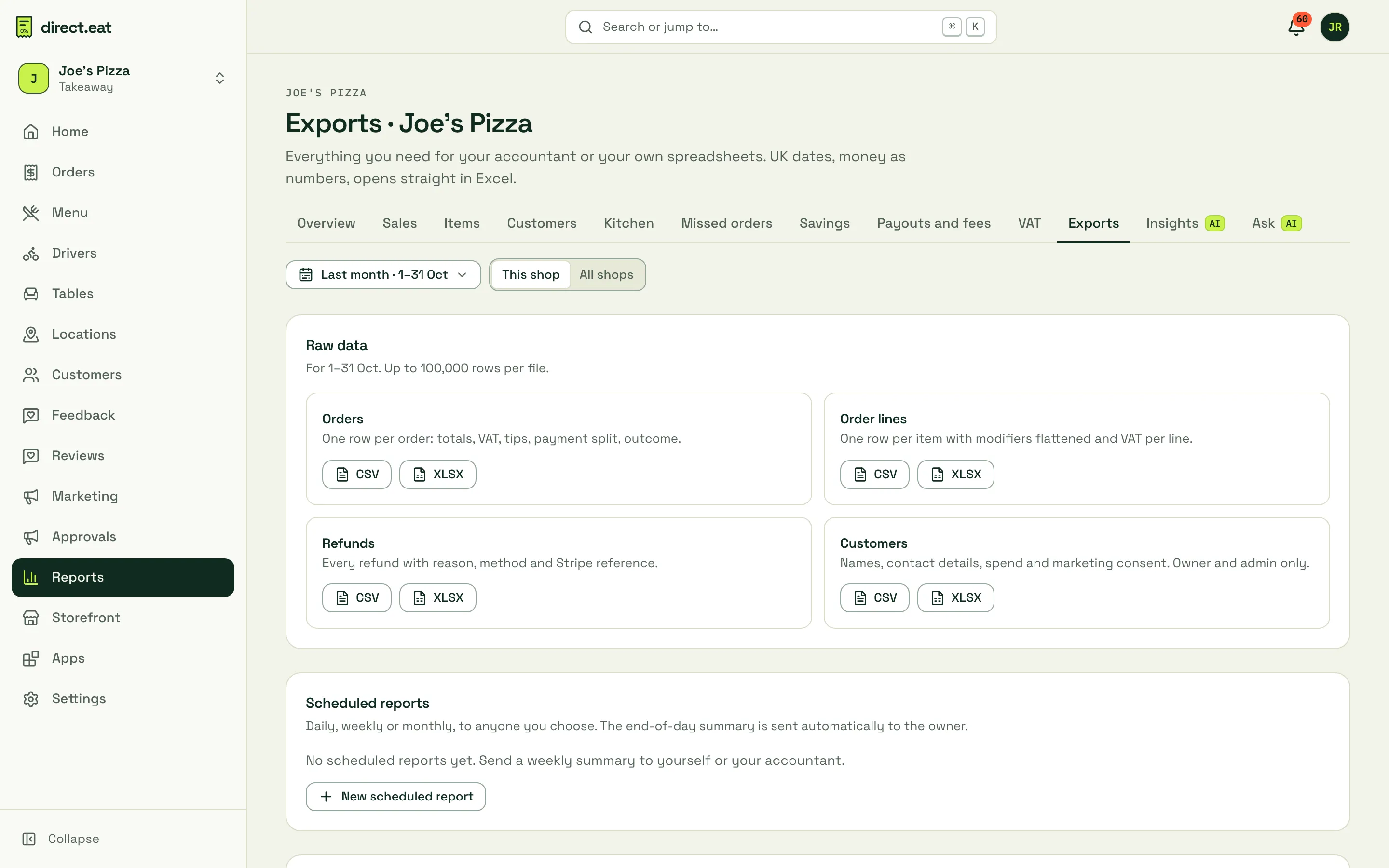
Section titled “Other exports”For day-to-day exports (orders, order lines, refunds and customers for a date range, as CSV or Excel), use Reports → Exports. You can also schedule reports to your accountant there. See Exports.
Cancel your subscription
Section titled “Cancel your subscription”Only the owner can cancel. Anyone else who opens the page sees “Only the owner can cancel the subscription.”
-
Go to Settings → Plan and billing and click Cancel subscription at the bottom.
-
Read what happens (below). Download the export pack if you want it now.
-
Optionally tell us Why are you leaving? and Anything we could do better? Both are optional. The second is read by the founders.
-
Click the red button, for example Cancel, ending 1 Dec 2026.
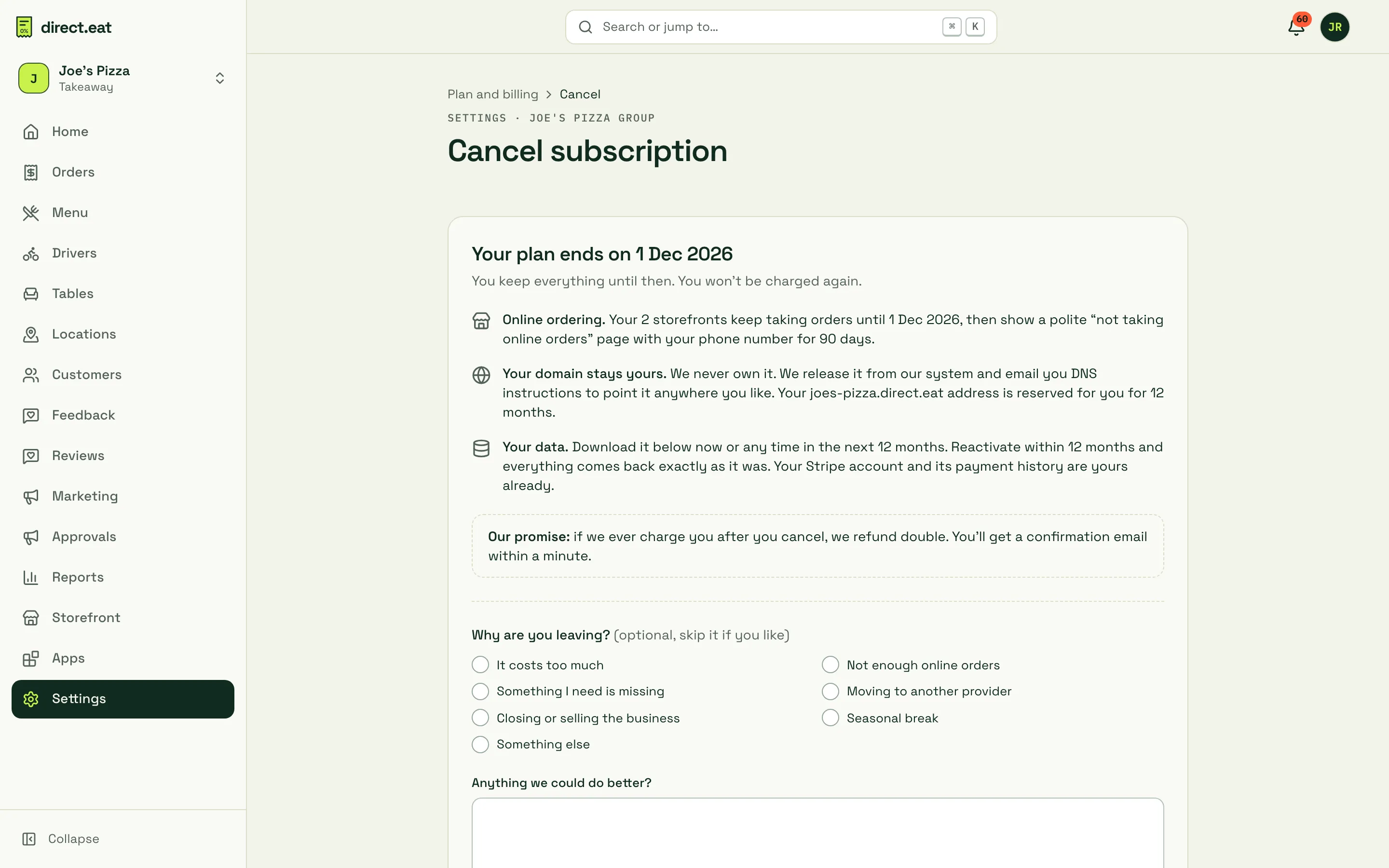
That’s it. No retention call, no “are you sure” maze. The owner gets a confirmation email with the end date, a link to the export pack and, if you use your own domain, the DNS change to make.
When it ends
Section titled “When it ends”| Your situation | When the plan ends | Money |
|---|---|---|
| Paying monthly | At the end of the month you’ve paid for | You won’t be charged again |
| Paying annually, more than 30 days in | At the end of your paid year | You won’t be charged again |
| Paying annually, within 30 days of paying | At the end of the month you’re in | We refund the unused full months straight away, as a credit invoice |
| On the free trial | Today | Nothing has been charged and nothing will be |
| Payment failing | Today | We won’t retry the failed payment |
Until the end date you keep everything and can keep taking orders.
Changed your mind?
Section titled “Changed your mind?”Until the end date, the billing page shows “Cancelled, ends … £0 due after that.” with a Keep my subscription button. Click it and nothing changes.
What happens after you cancel
Section titled “What happens after you cancel”This is what the cancel page commits to:
- Online ordering. Your storefronts keep taking orders until the end date. After that, online ordering is closed.
- Your domain stays yours. We never own it. After you leave, point its DNS anywhere you like at your registrar (see below).
- Your data. Download the export pack before you go. After your plan ends, the account is closed and we keep your data for 90 days, then delete it, apart from the billing records we must keep for 6 years.
- Your Stripe account and its payment history are already yours. Nothing moves; your payouts and records stay in your Stripe dashboard.
Our promise: if we ever charge you after you cancel, we refund it in full. A daily check looks for any charge after a cancellation and refunds it automatically.
Closing your organisation for good
Section titled “Closing your organisation for good”To close the whole organisation (not just stop paying), the owner opens Your account and data from the account menu (top right) and clicks Close … and delete its data… (with your organisation’s name), then types to confirm. The plan must be cancelled first. Organisation records on the same page downloads your organisation’s details, team, plan, invoices and agreements. Shops close straight away, and everything is deleted 90 days later, apart from billing records. You can cancel the closure within those 90 days.
The same page lets anyone download the data we hold about their own login (Download my data) and delete their login, unless they’re the only owner.
Your custom domain after leaving
Section titled “Your custom domain after leaving”Your domain points at direct.eat with a CNAME record at your registrar. To move it:
-
Sign in to your domain registrar (GoDaddy, 123-reg, IONOS, Namecheap, Cloudflare and so on).
-
Remove the CNAME record that points at direct.eat.
-
Add the records your new provider gives you.
The step-by-step guides in Connect your domain show where those settings are for each registrar.
Related
Section titled “Related”- Billing and plans
- Exports
- Data processing: retention, deletion and privacy requests.
Was this page helpful?