

Order and pay at your table
Some restaurants put a QR code on each table. Scan it with your phone’s camera to see the menu, order and pay without waiting to catch someone’s eye. You don’t need an app, an account or to give your name, and there are no service fees, card fees or platform fees. You can always just order with a member of staff instead.
Scan and order
Section titled “Scan and order”- Scan the QR code on your table card or sticker with your phone camera and tap the link. (Some tables also have an NFC tag you can tap your phone on.)
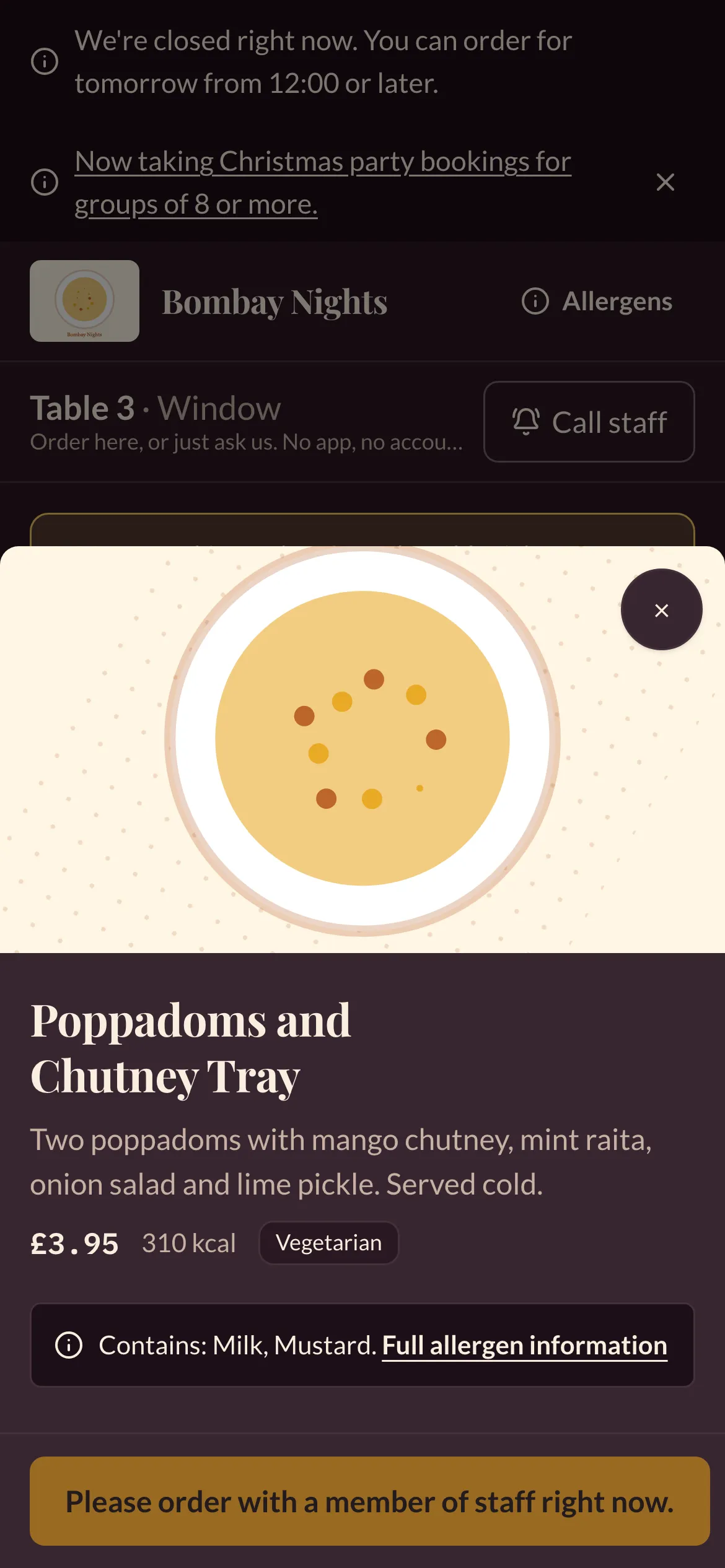
- The menu opens for your table, for example “Table 3 · Window”. Tap a dish, choose any options, and tap Add.
- Open Your order. You can add your first name (optional), a note for the kitchen, and, where the restaurant serves courses, choose Bring everything together or In courses.
- Tap Send to the kitchen. If the restaurant takes payment as you order, pay by card first.
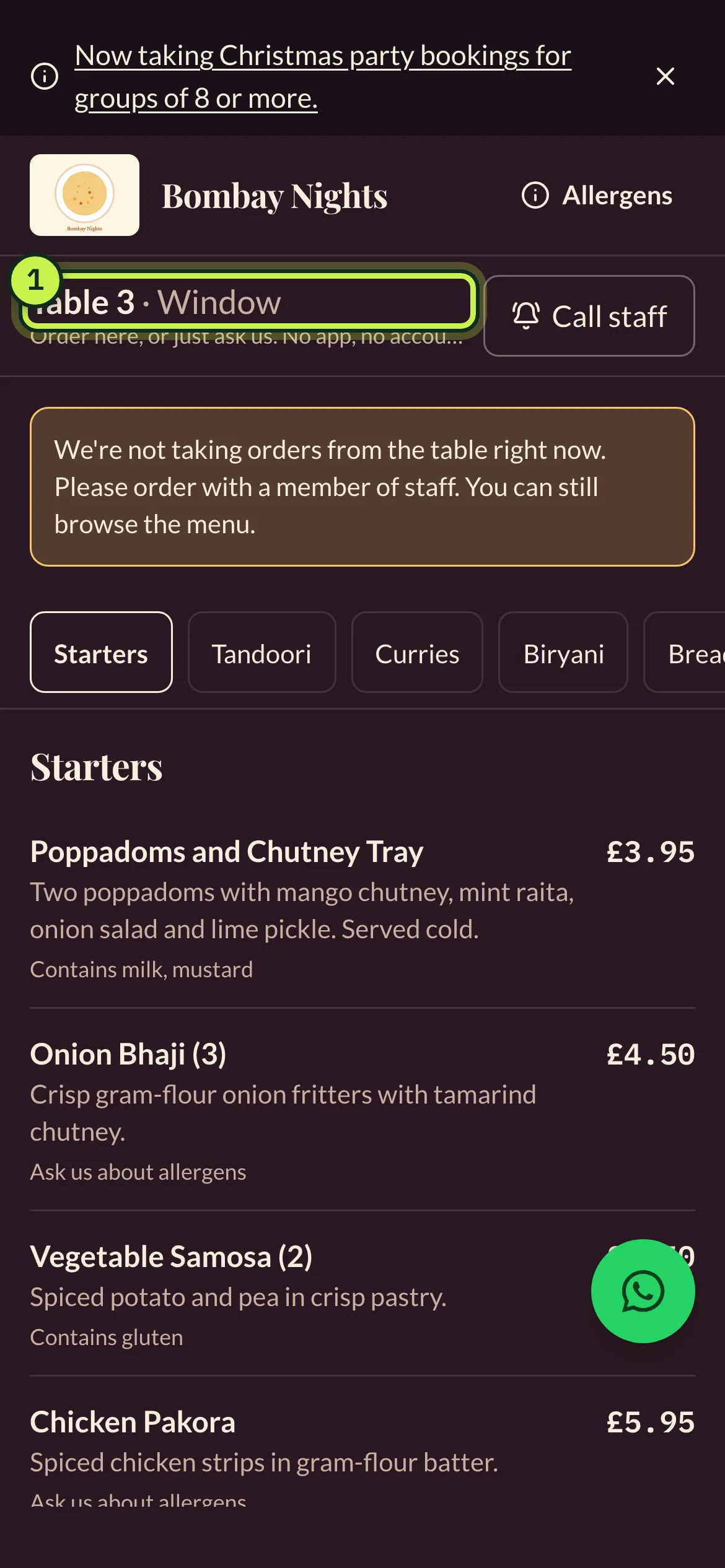
- Your table: check it’s the right one. If you’ve moved, scan the code on your new table.
- Call staff: ask for help without ordering. See Call a member of staff.
Everyone at the table can scan the same code and order on their own phone. All orders go on the same table. Each order you send is a “round”; under Your orders you can see each round’s status, and use Same again or Same drinks again to repeat a round in one tap.
When the restaurant isn’t taking table orders (for example outside opening hours, or when the kitchen is too busy), the page says We’re not taking orders from the table right now and you can still browse the menu. Order with a member of staff instead.
Counter service and collection numbers
Section titled “Counter service and collection numbers”In cafés and food halls, the restaurant may ask you to collect your food. After you order you get a collection number, such as A42. Keep the page open: it turns green when your order is ready to collect.
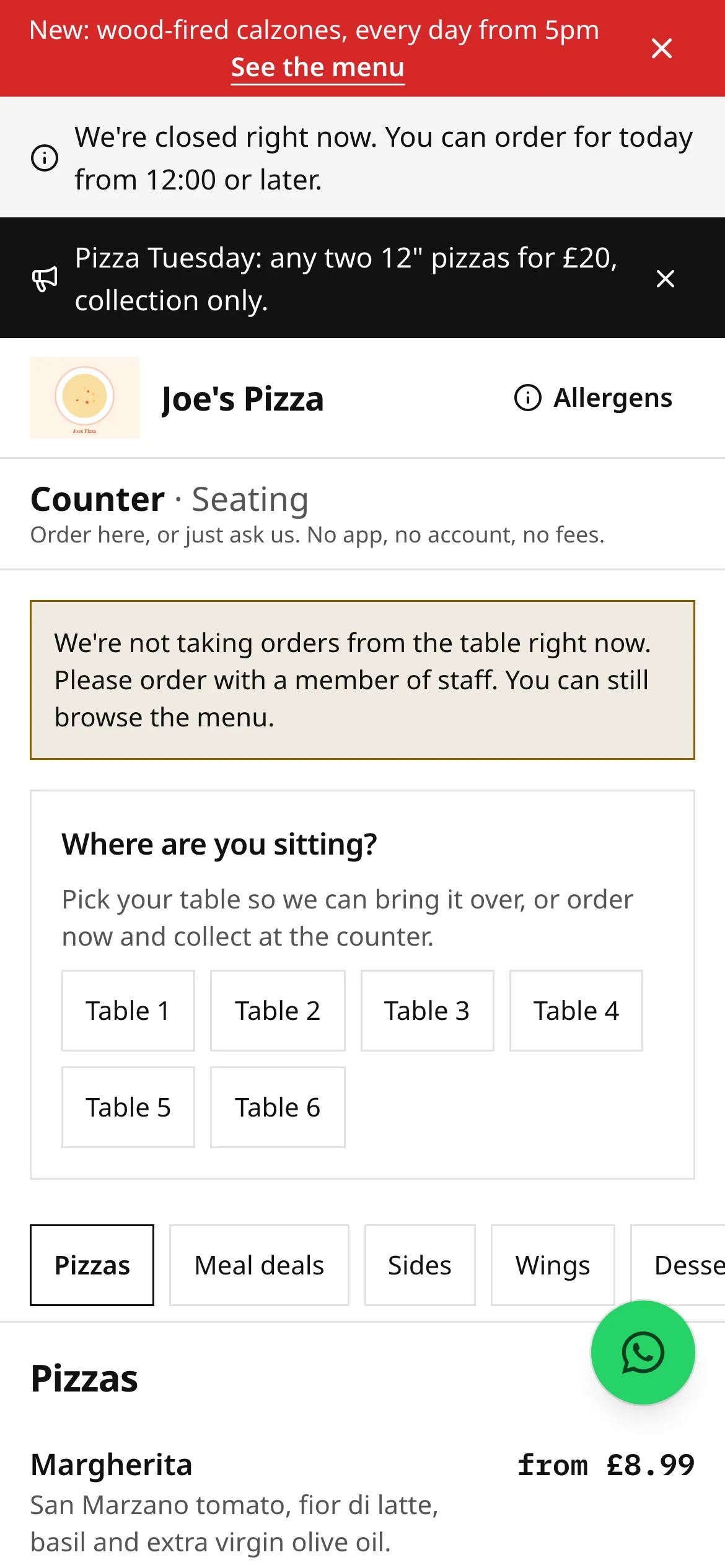
If the QR code is on a counter or wall rather than a table, you’ll be asked Where are you sitting?: pick your table so they can bring it over, or order and collect at the counter.
First orders from a new table
Section titled “First orders from a new table”Some restaurants check a table before its first order goes to the kitchen. If so, you’ll see Waiting for staff to check: a member of staff will pop over to check your table, then your order goes through.
Call a member of staff
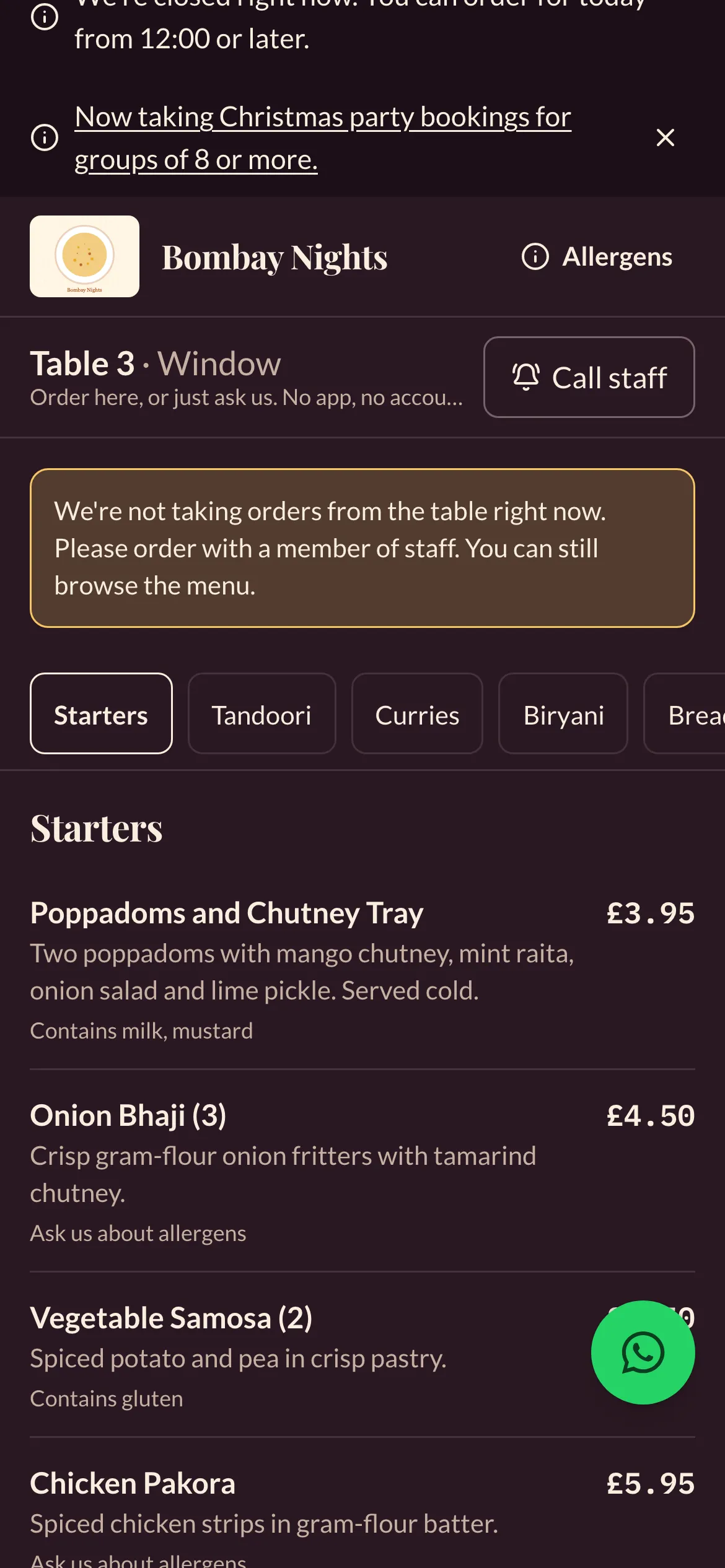
Section titled “Call a member of staff”Tap Call staff at the top of the page and pick a reason: Allergy question, Ready to order, Bill please, Need help or Water / cutlery. You’ll see Thanks, we’ve let the team know, and then Someone is on their way when a member of staff responds. The call shows up on the restaurant’s table screen with a chime.
You can’t send the same reason twice while it’s still open: you’ll see We’ve already let the team know.
Paying
Section titled “Paying”Restaurants choose one of two ways:
- Pay as you order: each round is paid by card when you send it. Common in pubs, cafés and counters.
- Pay at the end: rounds go on a running tab for the table. When you’re ready, tap the bill button at the top of the page (it shows what’s still owed).
With pay at the end, the bill shows everything ordered at the table, and you can:
- Pay everything,
- Split evenly between 2 and 20 people (the last share absorbs any odd pennies),
- Pay for my items: tick what you had. Shared dishes can be split 2 to 10 ways. Items you tick are held for you for 5 minutes, so nobody else pays for them at the same time (“Being paid by another guest”),
- Pay an amount, from £1 up to what’s left.
You can mix these: one person pays their items, the rest split what’s left. The bill updates live on everyone’s phone, and the restaurant’s system stops anyone paying more than is owed. Each payment gets its own receipt, and nobody can be charged for the same thing twice.
You can also pay a member of staff by card or cash at any point.
Service charge and tips
Section titled “Service charge and tips”If the restaurant adds a service charge, it’s shown on the bill as optional, and you can remove it. When there’s a service charge you won’t also be asked for a tip. Otherwise, tips are optional: No tip is shown first, nothing is pre-selected, and you’re only asked once per visit.
Receipts
Section titled “Receipts”After paying you get a receipt for your share, with the VAT shown. You don’t need to give an email address. Some restaurants offer an unticked box on the receipt to get their offers by email; it’s never pre-ticked.
Privacy
Section titled “Privacy”Ordering at a table doesn’t ask for your name, email or phone. The site sets one essential cookie for 12 hours so it remembers your table and your share of the bill. Nothing on the ordering screens signs you up to marketing.
Related
Section titled “Related”- Allergies
- Order food for collection and delivery
- Something wrong with your order
Was this page helpful?