

Your account, offers, loyalty and gift cards
You never need an account to order. An account is there if you want to save your details, see past orders and reorder in one tap.
Accounts belong to each restaurant. Signing in at Joe’s Pizza doesn’t share your orders with any other restaurant, and the restaurant holds your details.
Sign in with a code (no password)
Section titled “Sign in with a code (no password)”- Tap Sign in (optional) at checkout, Save my details on your tracking page, or go to
/accounton the restaurant’s site. - Enter the email you order with and tap Email me a code.
- Open the email. Type the 6-digit code into the page and tap Sign in, or just tap the sign-in link in the email.
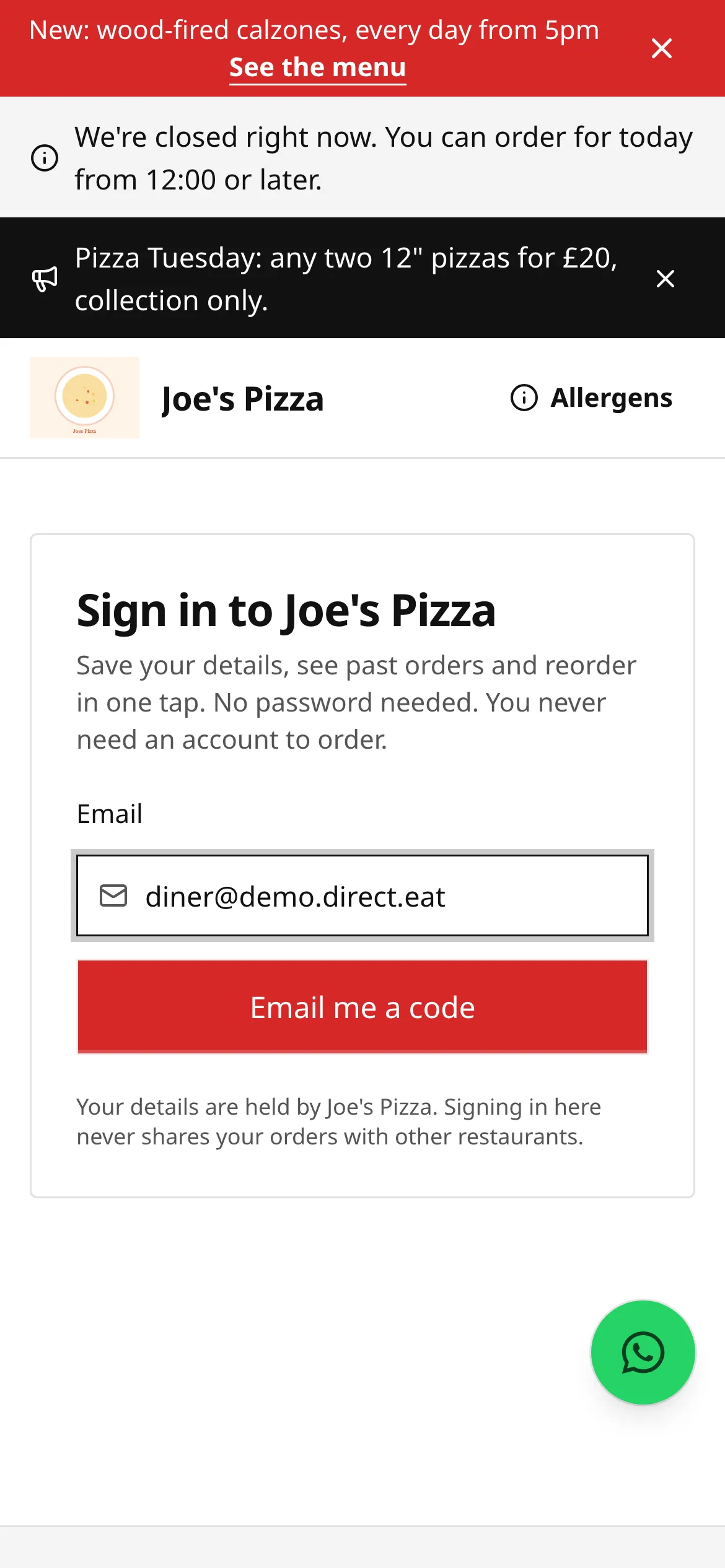
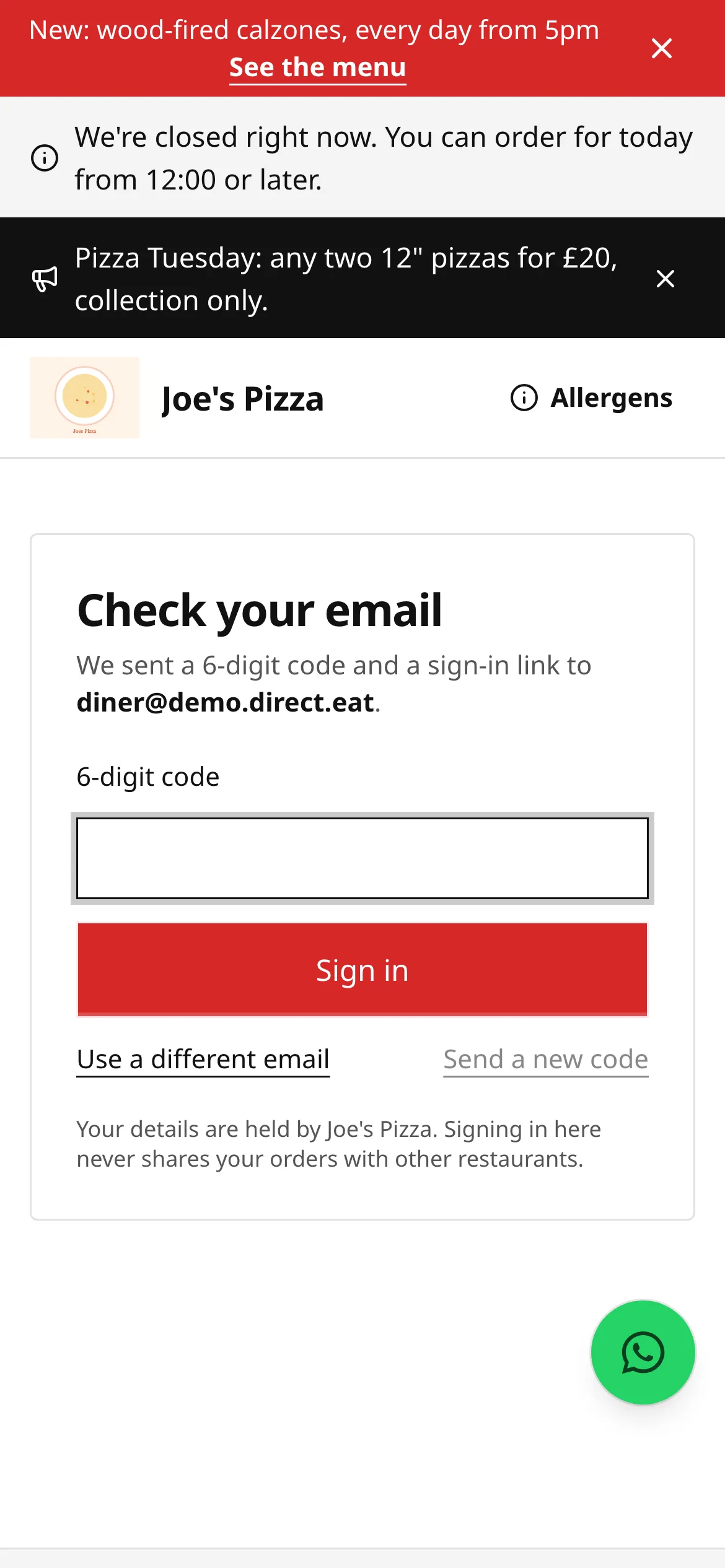
On most phones the code fills itself in from the email. Codes and links work once and expire quickly. If yours has expired, tap Send a new code (you can ask for one a minute). Your orders are linked to your account by your email address, so orders you placed as a guest with the same email show up too.
Your account page
Section titled “Your account page”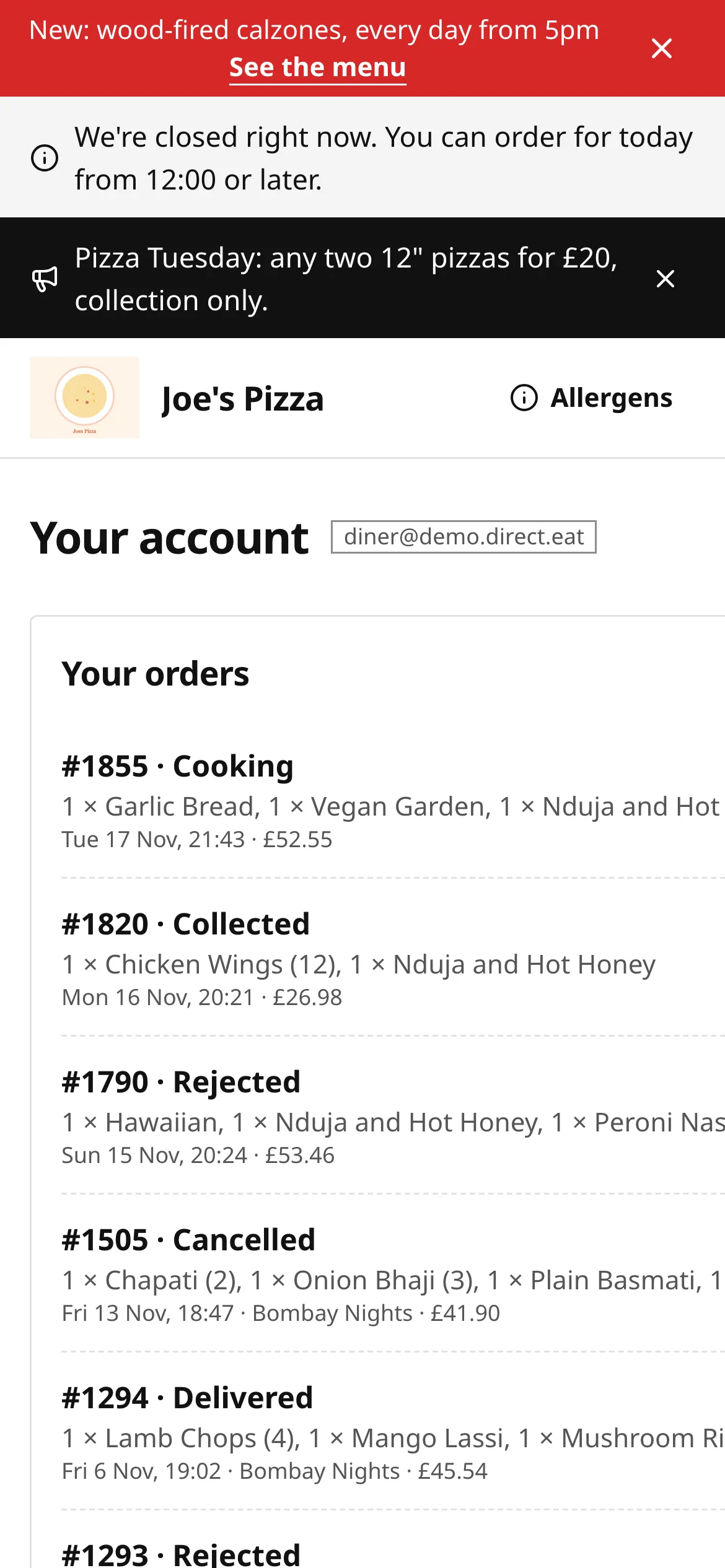
- Your orders: every order with this restaurant. View opens its tracking page and receipt. Order again puts the same items in your basket, re-checked for today’s prices and availability.
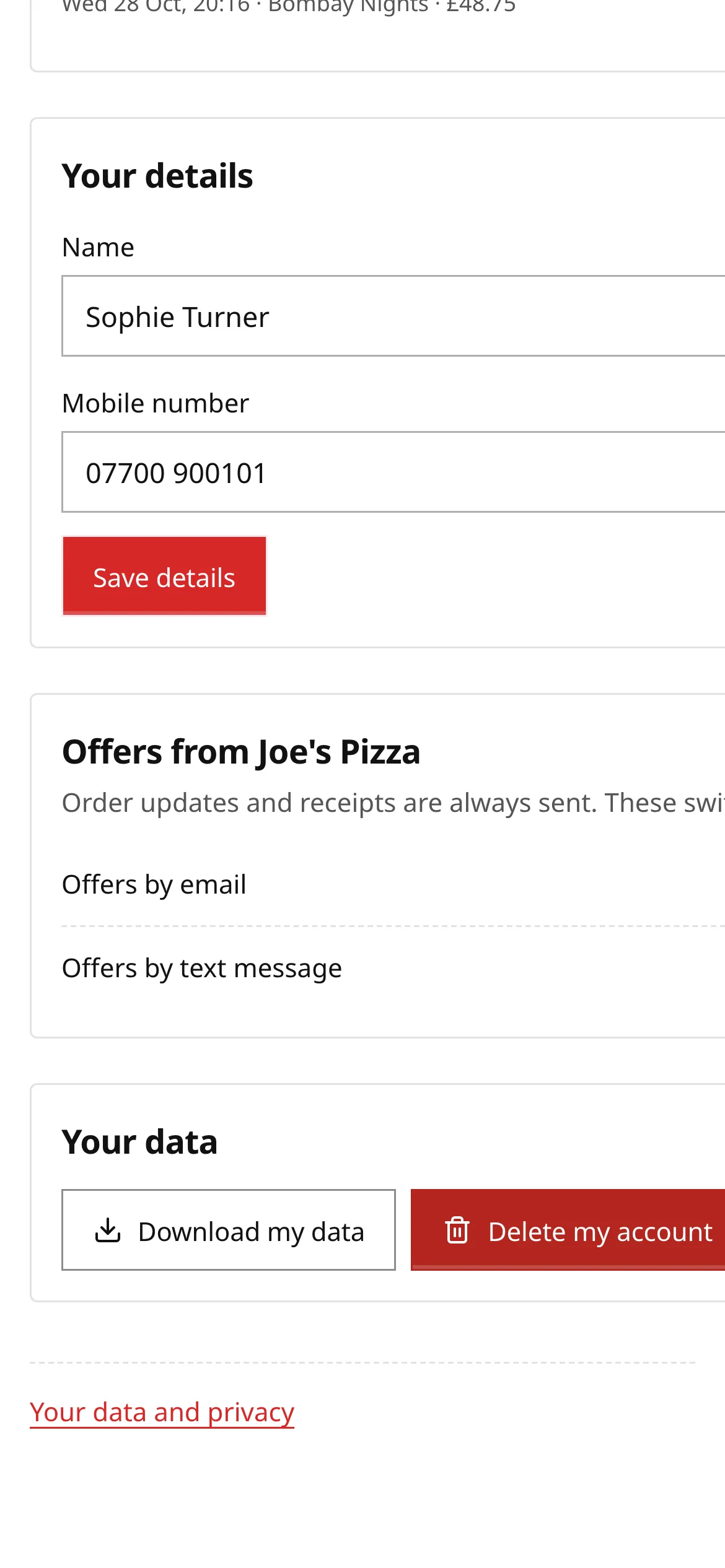
- Your details: your name and mobile number. Tap Save details after changing them. At checkout your details fill in automatically.
- Offers: switches for Offers by email and Offers by text message. Order updates and receipts are always sent: these switches are only for marketing.
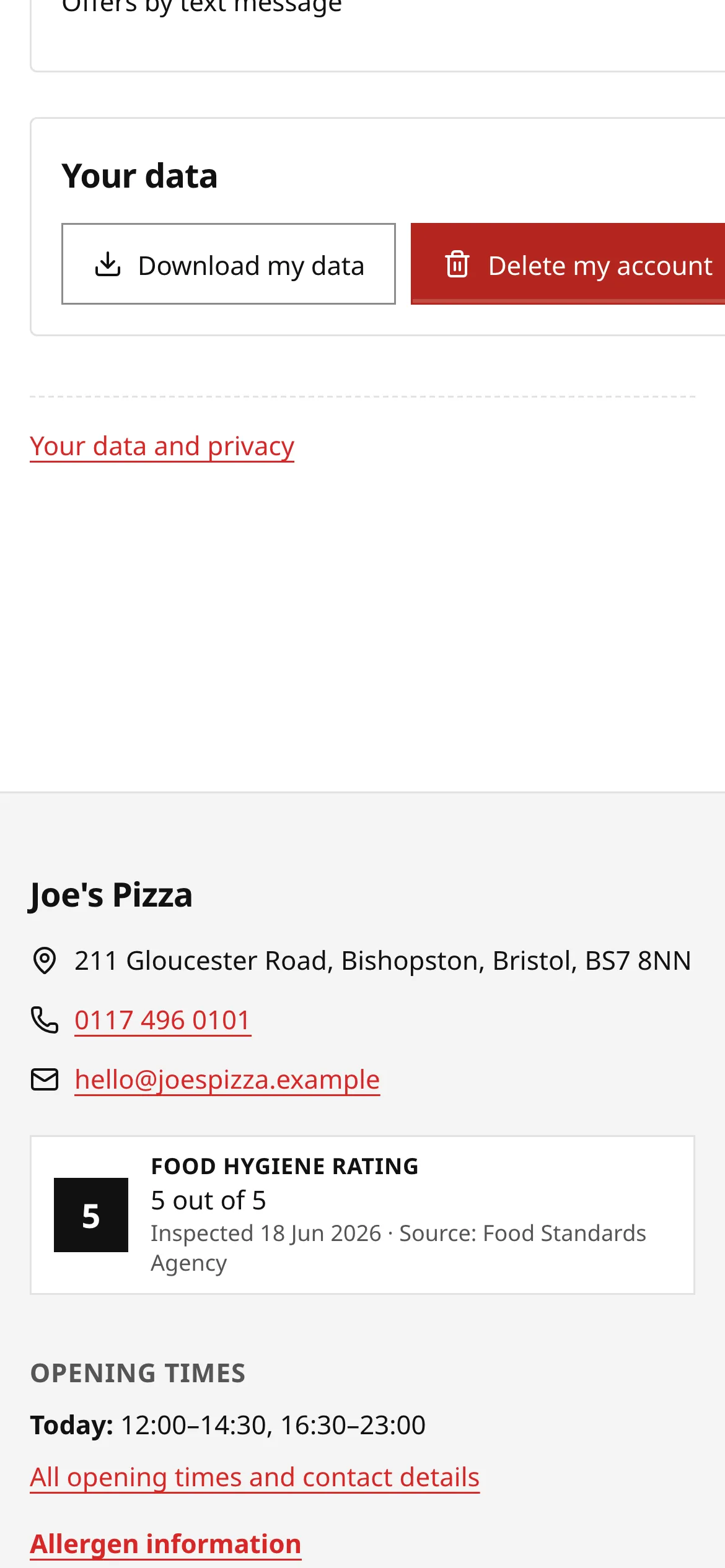
- Your data: Download my data and Delete my account.
If you have saved delivery addresses, they appear as one-tap buttons in the delivery address section at checkout.
Marketing and unsubscribing
Section titled “Marketing and unsubscribing”A restaurant can only send you offers if you said yes, for example by ticking the unticked box at checkout. Every marketing email has an unsubscribe link at the bottom. It opens the restaurant’s preferences page, where you can turn email or text offers off, or tap Unsubscribe from all to stop all marketing from that restaurant. Viewing the page never changes anything until you tap Save preferences. You don’t need to sign in.
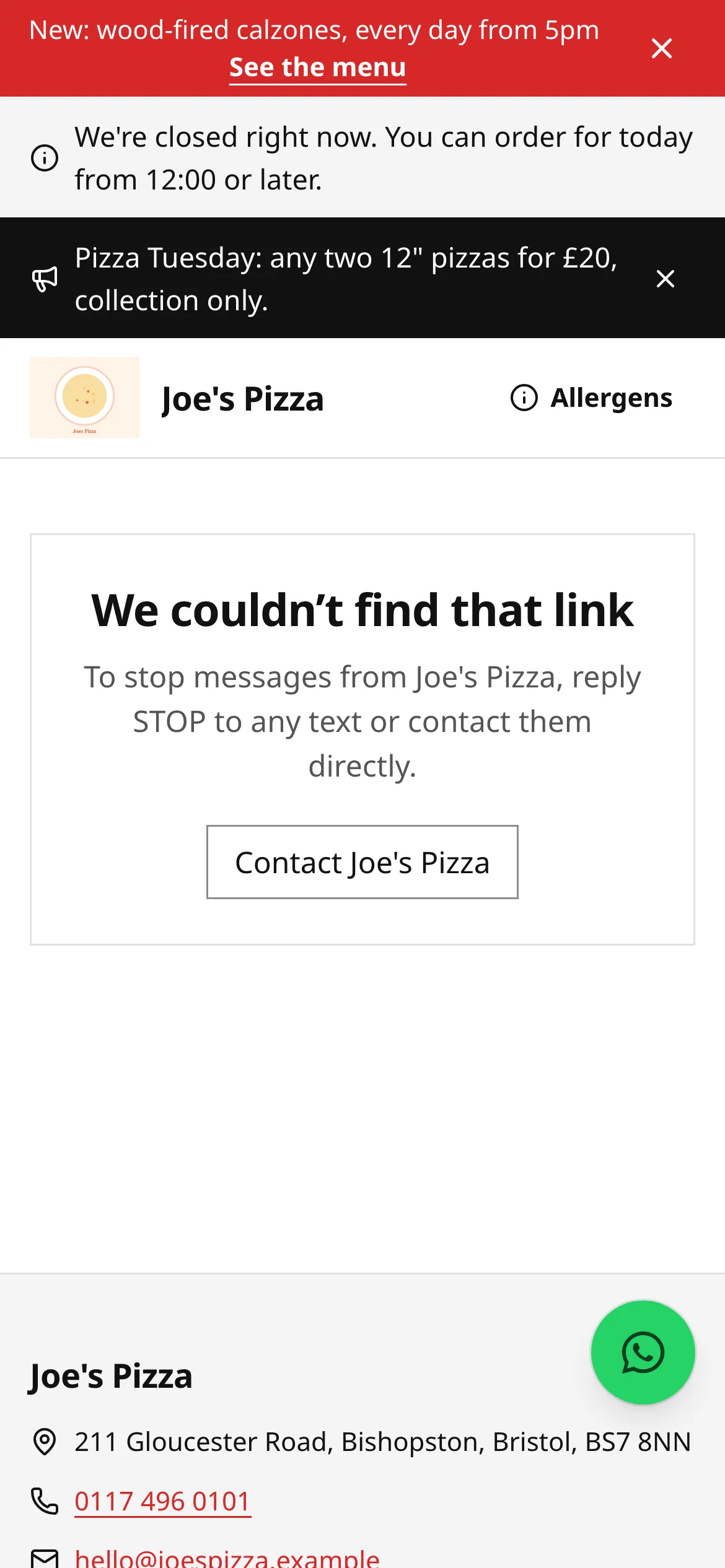
You can also change these on your account page, or ask the restaurant.
Unsubscribing from marketing doesn’t stop order emails (confirmations, status updates, receipts and refunds), because those are about an order you placed.
Loyalty cards
Section titled “Loyalty cards”Some restaurants run a stamp card or points scheme. It’s free and there’s no app: your card lives on a web page.
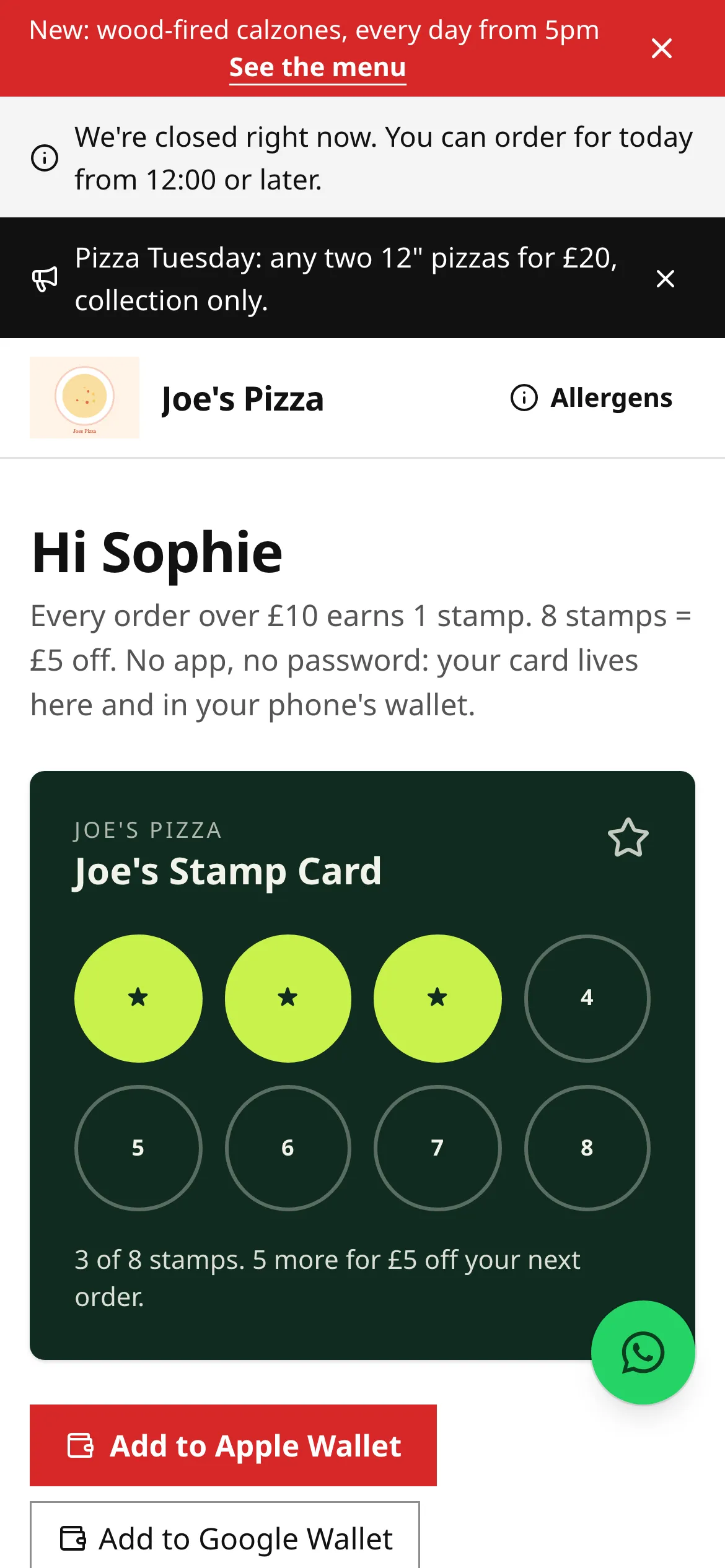
- Joining: tick the join box at checkout. You start earning from that order. Joining isn’t a marketing sign-up: the restaurant only emails you about your own balance.
- Earning: stamps or points appear after your order is collected or delivered (there can be a short hold first). Cancelled, rejected or refunded orders don’t earn.
- Your card: the link in your order emails opens your card, with your balance, rewards, history, How it works and the full Terms.
- Spending a reward: sign in at checkout (with an emailed code), then tap the reward to use it. If the order is cancelled, the reward goes back on your card.
- Leaving: Leave the programme on your card page removes your balance.
Gift cards
Section titled “Gift cards”Gift cards are for one restaurant (or its group). Each has a 16-character code like ABCD-EFGH-JKLM-NPQR.
- Buying: on the restaurant’s Gift cards page, choose to buy one (
/gift-cards/buy): pick an amount, who it’s for, an optional message and send date, then pay by card. The gift card is emailed straight away or on the date you chose. - Spending: at checkout tap Pay with a gift card, enter the code and tap Apply. Pay any difference by card. You can spend a gift card over several orders.
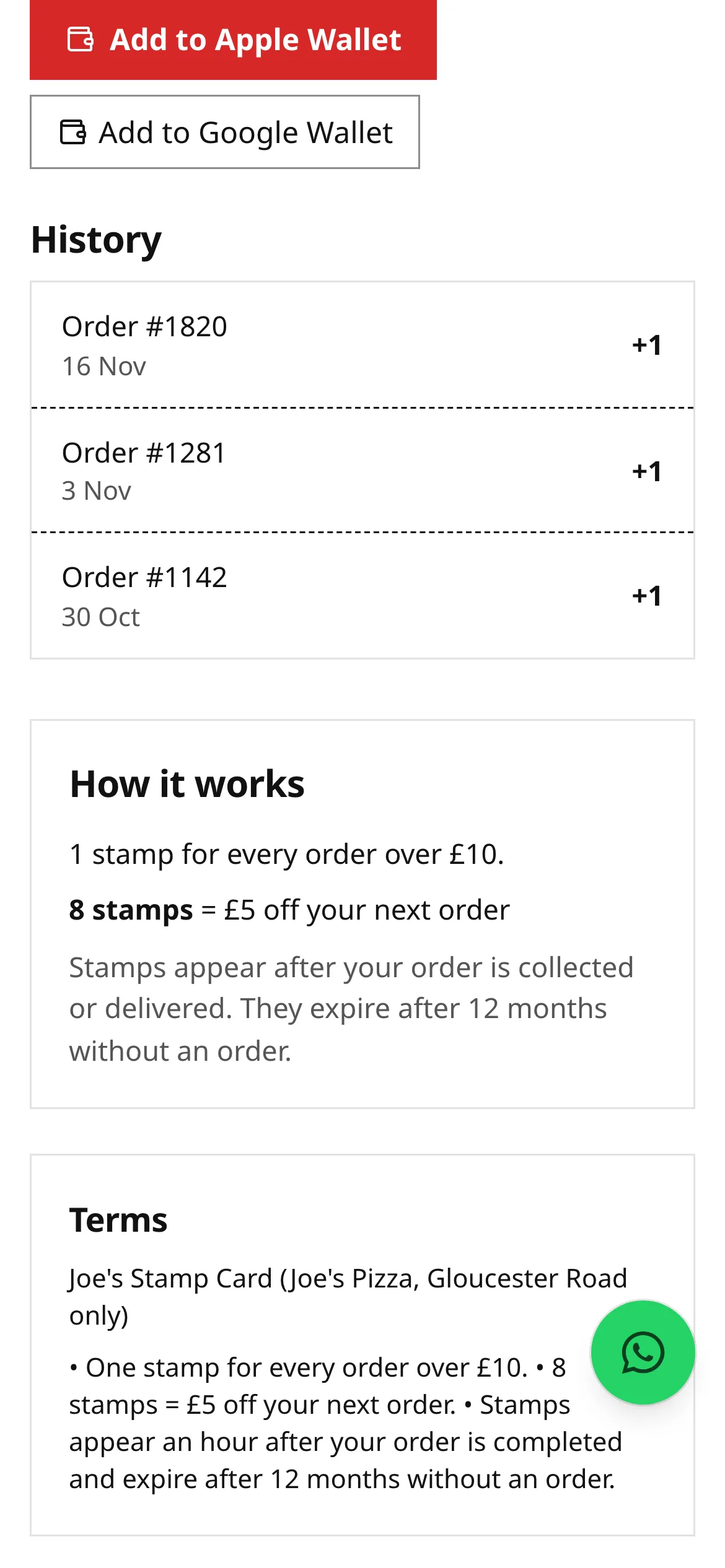
- Checking the balance: go to the restaurant’s Gift cards page (
/gift-cards), enter the code and tap Check balance. You see the balance and expiry date. - Expiry: the date is on your email and on the balance check. You get a reminder 30 days before it expires.
- Refunds: if an order paid by gift card is rejected or cancelled, the amount goes back on the card. Unused gift cards can be refunded to the person who bought them within 14 days. They can’t be swapped for cash.
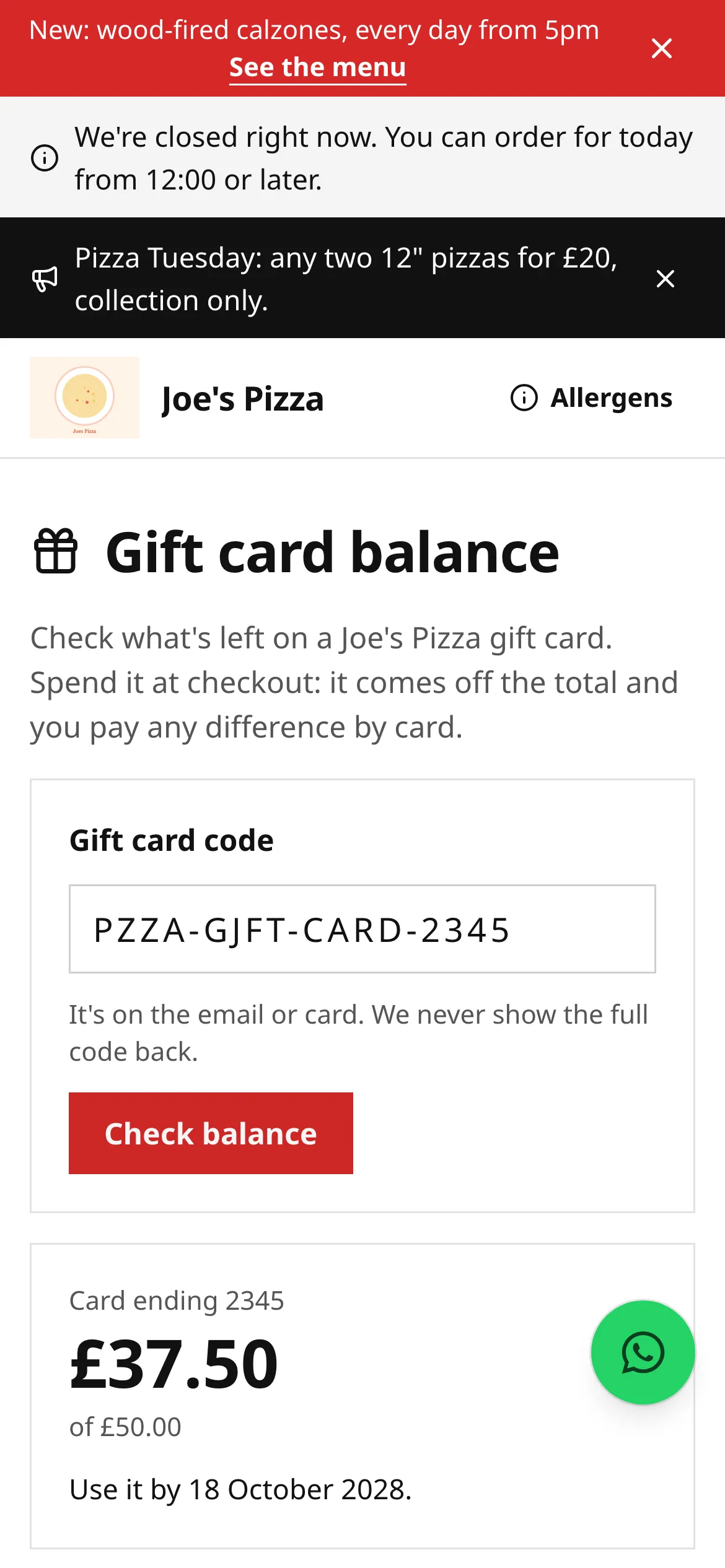
If a card is on hold or no longer valid, the balance check tells you to contact the restaurant.
Downloading or deleting your data
Section titled “Downloading or deleting your data”On your account page, under Your data:
- Download my data gives you a file with your details, orders and preferences held by that restaurant.
- Delete my account removes your login, saved details, addresses and marketing preferences for that restaurant straight away. The restaurant keeps a record of past orders for its legal obligations (such as tax records), anonymised on its retention schedule.
Privacy requests, even without an account
Section titled “Privacy requests, even without an account”Every restaurant’s site has Your data and privacy in its footer (/privacy-request). Use it whether or not you have an account, including for guest orders:
-
Choose what you’d like the restaurant to do: Copy of my data, Delete my data, Correct my data, Stop using my data, Move my data, or Make a complaint about how my data was handled.
-
Enter the email address you use with that restaurant (and anything that helps), then Send.
-
Open the email we send you and confirm it’s you. Nothing happens until you confirm.
The restaurant must answer within one month. If you’re signed in, Your data and privacy on your account page (/account/privacy) shows your requests and their status, and a copy of your data to download once the restaurant sends it (download links work for 7 days). Deleting your data removes your personal details; the restaurant keeps anonymised order records it needs for tax.
If you’re not happy with the answer, you can complain to the Information Commission (ico.org.uk). See our data processing policy for how direct.eat handles data on the restaurant’s behalf.
Cookies
Section titled “Cookies”Restaurant sites on direct.eat set no advertising or tracking cookies, so there’s no cookie banner. The only cookies are the ones needed to sign you in, keep a table session and protect card payments. Which link or flyer brought you is kept in your browser tab only until you order. To stop your visit being counted at all, use Don’t count my visit in the footer; browsers that send Global Privacy Control or Do Not Track are never counted.
Related
Section titled “Related”Was this page helpful?